Download Disk Format Tool:
1. Connect to the Internet with a Windows PC.
2. Download and install "Disk Format Tool" by clicking the link below.
Click This Link To Download Disk Format Tool
Format Flash Memory:
1. Connect MP3 player to PC with USB cable.
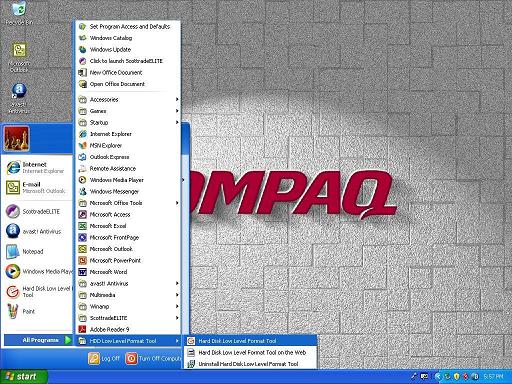
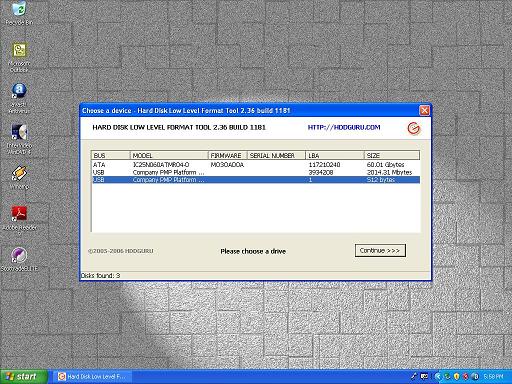
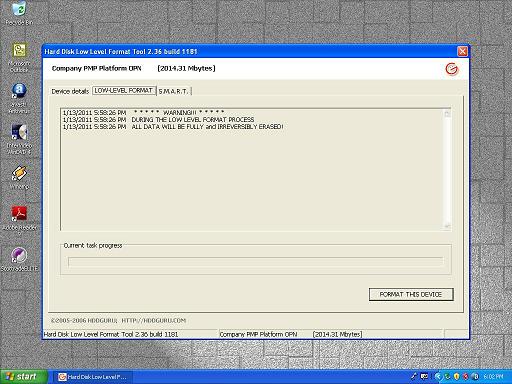
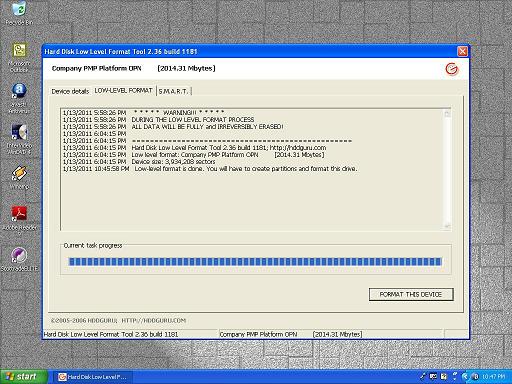
2. Run the application HARD DISK LOW LEVEL FORMAT TOOL 2.36 BUILD 1181. (Figure 1)
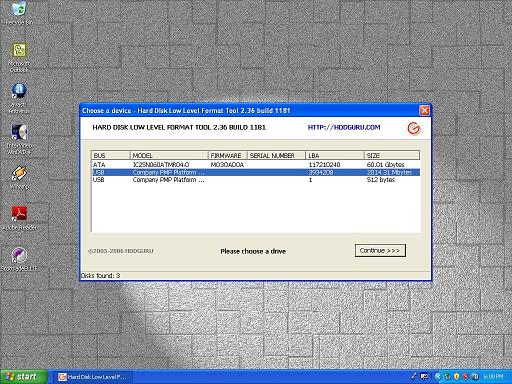
3. Select MP3 player for formating. (Figure 3) (USB Company PMP Platform... 3934208 2014.31 MBytes)
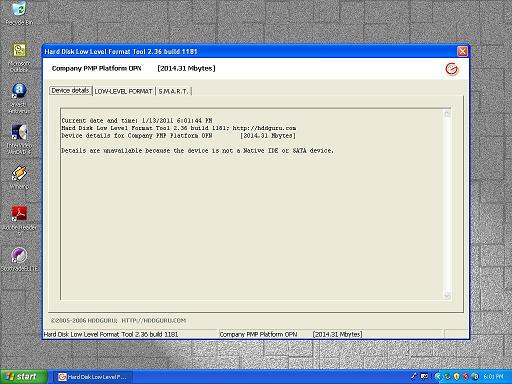
4. Select LOW-LEVEL FORMAT. (Figure 4)
5. Click "FORMAT THIS DEVICE". (Figure 5)
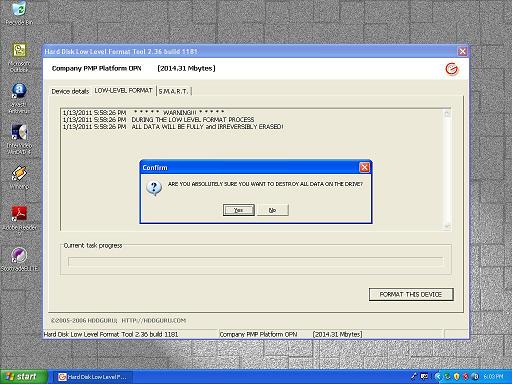
6. Click "Yes" to confirm. (Figure 6)
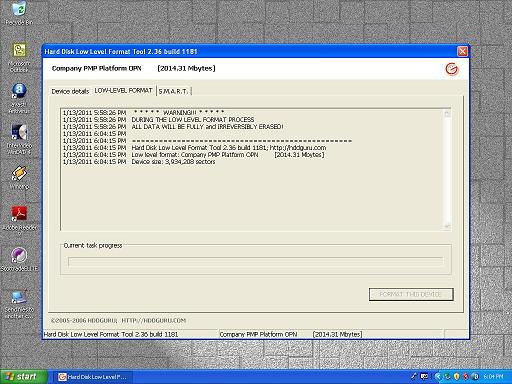
7. Formating starts. (Figure 7)
8. Formating of flash takes about five hours.
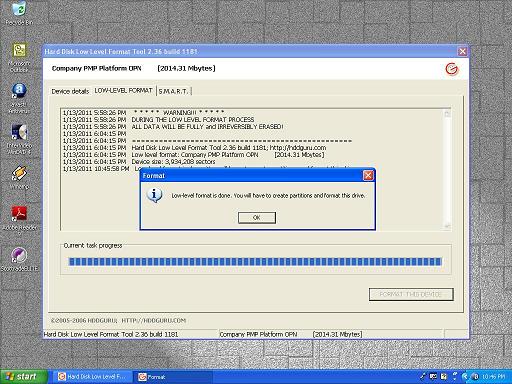
9. When finished, click "OK". (Figure 8)
10. Formating is done. (Figure 9)
11. Disconnect player from PC.
NOTE: Do not use Windows Explorer or DOS Format Command to format MP3 player flash memory. This will result in incorrect memory capacity.